


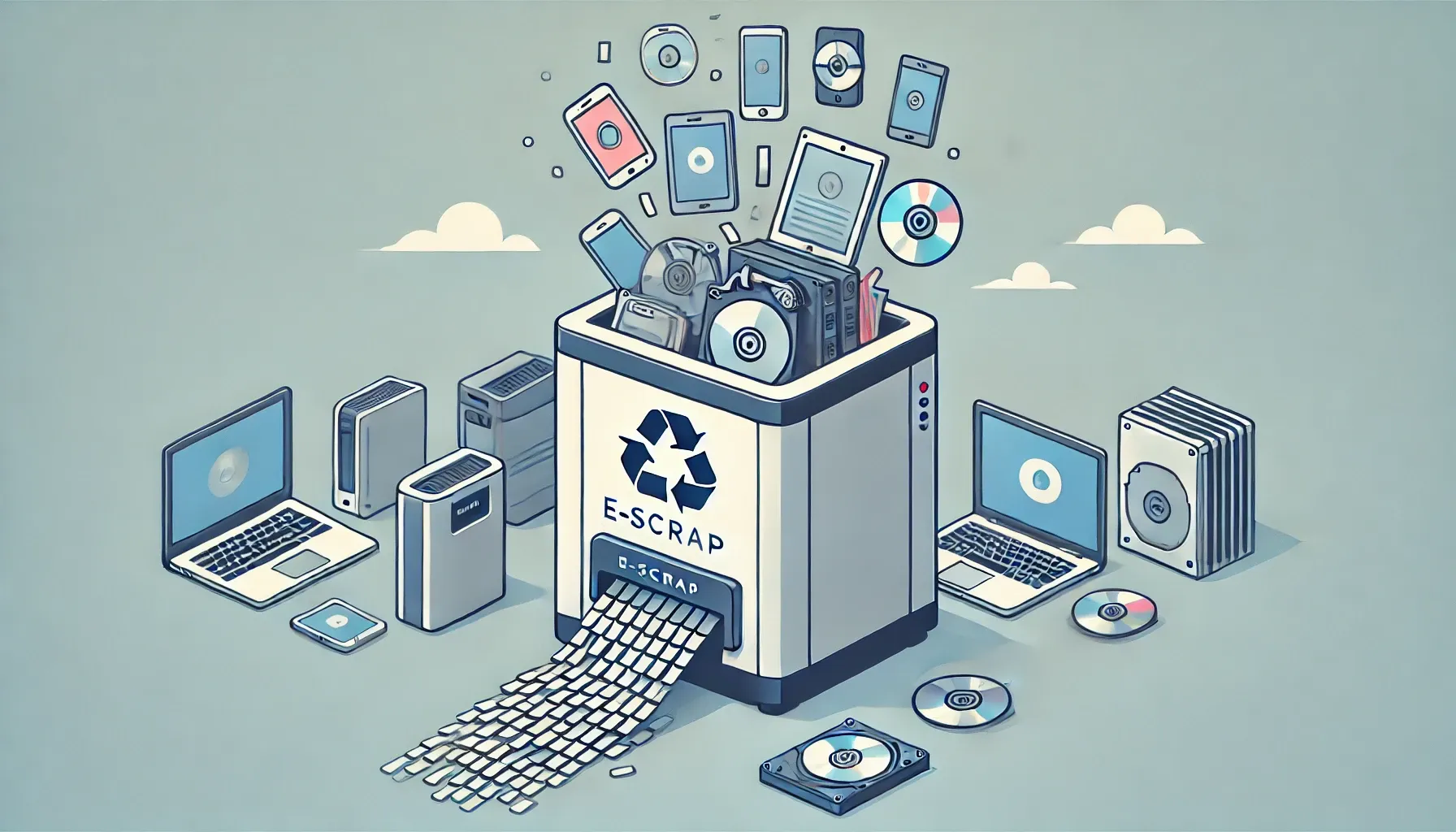
In today’s digital age, electronic devices are integral to our daily lives, but as they reach the end of their usefulness, they often become a security risk. E-scrap, or electronic waste, includes a wide range of devices and media that can contain sensitive and confidential information. This is where the importance of an e-scrap shredder comes into play: it physically destroys storage media and electronic assemblies so that no data can ever be recovered from them.
Unlike software wiping, which can leave recoverable traces on damaged sectors, physical shredding reduces devices to small, unrecognizable particles. For businesses handling customer records, financial data, medical files, or proprietary designs, that certainty is a compliance requirement.
Why Secure Data Destruction Matters
Every retired laptop, server hard drive, or company phone is a potential data breach waiting to happen. Studies consistently show that a large share of secondhand storage devices still contain recoverable personal or corporate data. Simply deleting files or formatting a drive does not erase the underlying magnetic or flash memory patterns — forensic tools can reconstruct them.
Regulations around the world now treat end-of-life data handling as a legal obligation, not a best practice:
- NIST 800-88 (US): Recognizes Destroy — shredding, disintegration, incineration — as the highest-assurance sanitization method for media holding confidential data.
- GDPR (EU): Requires protection of personal data through disposal; inadequate destruction can draw fines of up to 4% of global annual turnover.
- HIPAA (US healthcare): Mandates that electronic protected health information be rendered unreadable before disposal of the storage media.
- Industry standards: Sectors such as finance, defense, and government contracting often require witnessed destruction with a certificate of destruction for audit trails.
An industrial e-scrap shredder gives organizations a verifiable, on-site way to meet these obligations — no third-party chain of custody, no uncertainty about what happened to the drives after they left the building.
What Materials Can an E-Scrap Shredder Process?
A purpose-built e-scrap shredder handles the mixed, metal-heavy stream from IT asset disposition and electronics recycling:
- Hard disk drives (HDDs): 2.5″ and 3.5″ drives, including full server sleds and caddies.
- Solid-state drives (SSDs) and flash media: Including M.2 sticks, USB drives, and memory cards. Note that SSDs require finer particle sizes than HDDs because data is stored on chips rather than platters.
- Laptops, tablets, and smartphones: Whole-device shredding for mixed assemblies of glass, aluminum, lithium batteries (with proper handling), and circuit boards.
- Printed circuit boards (PCBs): Motherboards, daughterboards, and populated assemblies containing chips that may hold firmware or credentials.
- Optical and magnetic media: CDs, DVDs, backup tapes, and videotapes.
- Networking and telecom equipment: Routers, switches, and set-top boxes that may store configuration data and credentials.
For a deeper look at drive-specific destruction, see our hard drive shredder guide, which covers sizing and particle-size selection for HDD and SSD media.

How E-Scrap Shredders Work
An e-scrap shredder uses hardened rotary cutters to tear electronic assemblies into small fragments. The general process follows four stages:
- Feeding: Devices are loaded via a hopper — manually for low volumes or by conveyor for continuous operation. A hydraulic pusher may press bulky items against the cutters.
- Primary shredding: Counter-rotating shafts fitted with intermeshing blades grip and rip the feedstock. Blade geometry is designed to handle mixed materials — steel drive chassis, aluminum housings, copper coils, and brittle PCB substrate — without jamming.
- Size control: A screen or sizing grate beneath the cutting chamber determines the output particle size. Material that is still too large is recirculated until it passes through. For data destruction, the screen size is the critical parameter: smaller openings mean higher security.
- Discharge and separation: Shredded output falls onto a discharge conveyor. Downstream, magnets can recover ferrous metals and eddy-current separators can recover aluminum and copper, turning secure destruction into a material-recovery operation.
The working principle of a shredder is similar across applications, but e-scrap machines use tougher blade metallurgy and tighter tolerances to cope with the metal content of electronics.
Key Features and Specifications to Look For
Not every shredder is suitable for e-scrap. When evaluating machines, prioritize these specifications:
- Output particle size: For HDDs, under 40 mm is a common baseline; for SSDs and flash media, 10–20 mm or finer is recommended since data lives on small chips. Confirm the screen options available.
- Blade material and hardness: Look for alloy tool steel (55+ HRC). E-scrap is abrasive — soft blades wear fast and compromise security.
- Motor power and torque: Low-speed, high-torque drives handle whole devices and metal chassis without stalling — typically 15 kW for small units to 75 kW+ for high-throughput lines.
- Throughput: Match capacity to your volume — a few hundred kg/h for ITAD workshops, several tons per hour for large plants.
- Safety systems: Emergency stops, hopper interlocks, overload auto-reverse, and dust extraction connections are essential.
- Documentation support: For audits, check for witnessed testing, particle-size verification reports, or asset-tracking integration.
Single-Shaft vs Dual-Shaft Shredders for E-Scrap
The two most common industrial configurations serve different e-scrap workflows:
- Dual-shaft shredders: Two counter-rotating shafts with intermeshing cutters excel at primary size reduction of whole devices — laptops, small servers, mixed e-scrap loads. They tolerate bulky, irregular feed and are the workhorse of most e-scrap lines. See our dual-shaft shredder for typical configurations.
- Single-shaft shredders: One rotor working against a fixed screen gives tighter particle-size control in a single pass, making them ideal as a secondary stage after primary shredding — or as a standalone unit when fine output (e.g., for SSDs) is required. See our single-shaft shredder for specifications.
Many high-security operations use both: a dual-shaft unit for primary destruction, followed by a single-shaft granulator with a fine screen for the final particle size. This two-stage approach balances throughput with the small output needed for chip-level media.
Operating Tips for Safe and Efficient Shredding
- Remove lithium batteries where possible: Punctured Li-ion cells can cause thermal events — remove them beforehand or use a machine rated for battery-containing feed.
- Monitor blade wear: Dull blades produce larger, uneven particles — a direct security risk. Follow the manufacturer’s inspection and replacement schedule.
- Control dust: Shredding PCBs generates fine dust that may contain heavy metals. Connect extraction and ensure operators wear respiratory protection.
- Keep a destruction log: Record asset tags, dates, and particle-size verification — the backbone of your audit trail for GDPR, HIPAA, or customer SLAs.
What to Confirm Before You Buy: RFQ Checklist
Before requesting quotes, prepare answers to these questions — they determine the right machine size and configuration. Our shredder buying guide covers the general selection process in more depth.
- What is the primary feedstock — whole devices, loose HDDs, SSDs, PCBs, or a mix?
- What particle size does your security policy require?
- What is the expected throughput (kg/hour) and operating schedule (hours/day)?
- Do you need single-stage or two-stage shredding?
- What are your power supply specs (voltage, phase, frequency)?
- Is the installation indoor or outdoor — any noise or space constraints?
- Do you require certificates of destruction, witnessed testing, or asset-tracking integration?
- What after-sales support do you expect — spare blades, on-site commissioning, operator training?
Frequently Asked Questions
What is the difference between degaussing, wiping, and physical shredding?
Degaussing uses strong magnets to disrupt data on magnetic media (HDDs, tapes) but does not work on SSDs or flash chips. Wiping overwrites data with software, but it can miss bad sectors and is slow for large volumes. Physical shredding destroys the media itself, works on every storage type including SSDs, and provides visible, verifiable proof of destruction — which is why it is the preferred method for high-security requirements.
What particle size is needed for secure hard drive destruction?
For traditional HDDs, fragments under 40 mm generally prevent platter-level data recovery. For SSDs and other flash media, aim for 20 mm or smaller, since data is stored on chips that can survive in larger fragments. Always match the particle size to your organization’s security policy and any contractual obligations.
Can an e-scrap shredder handle SSDs and mobile phones?
Yes, provided the machine is specified for it. SSDs need finer screens than HDDs, and whole phones contain glass, aluminum, and lithium batteries that demand robust cutters and proper safety measures. Confirm with the supplier that your specific feedstock mix is within the machine’s rated capability.
How does shredding help with NIST 800-88 compliance?
NIST 800-88 defines Destroy — including shredding and disintegration — as the highest-assurance sanitization technique. By reducing media to particles below a defined size and documenting the process, organizations can demonstrate that the sanitization decision maps directly to the guideline’s requirements for confidential data.
Should I choose a single-shaft or dual-shaft shredder for e-scrap?
Dual-shaft shredders are the better primary stage for whole devices and mixed loads because they tolerate bulky, irregular feed. Single-shaft shredders give finer, more uniform output and work well as a secondary stage or for SSD-heavy streams. High-security operations often combine both in a two-stage line.
What throughput do I need?
It depends on your volume. IT asset disposition workshops processing a few hundred drives per week are well served by compact units in the 200–500 kg/h range. Large e-scrap recyclers running continuous shifts may need 2–5 tons per hour. Calculate your peak weekly volume and add headroom for growth before sizing the machine.
Is shredded e-scrap recyclable after destruction?
Yes — and that is one of the advantages of mechanical shredding over incineration. After destruction, magnets recover steel, eddy-current separators recover aluminum and copper, and the remaining fractions can go to specialized smelters for precious-metal recovery. Secure data destruction and material recycling are complementary, not competing, goals.
See the Shredder and Request a Quote
If you are evaluating an e-scrap shredding solution, start with our single-shaft shredder — available as a standalone fine-shredding unit or as the second stage of a complete destruction line. For primary size reduction of whole devices, see the dual-shaft shredder range. You can also browse our plastic shredders overview for related equipment. Send us your feedstock list and required particle size, and we will recommend a configuration with a detailed quotation.
